
1. Ask for a reset link
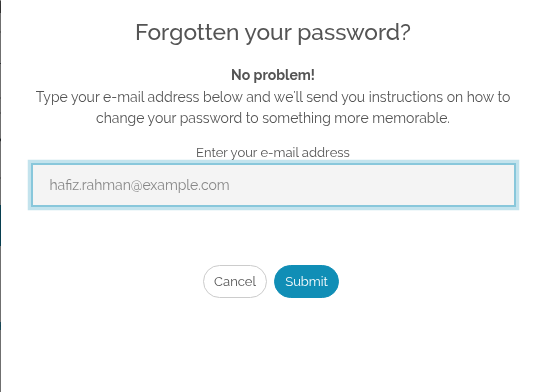
On the log in page, choose Forgot your password?. Type the email address you created your account with, and choose Submit.
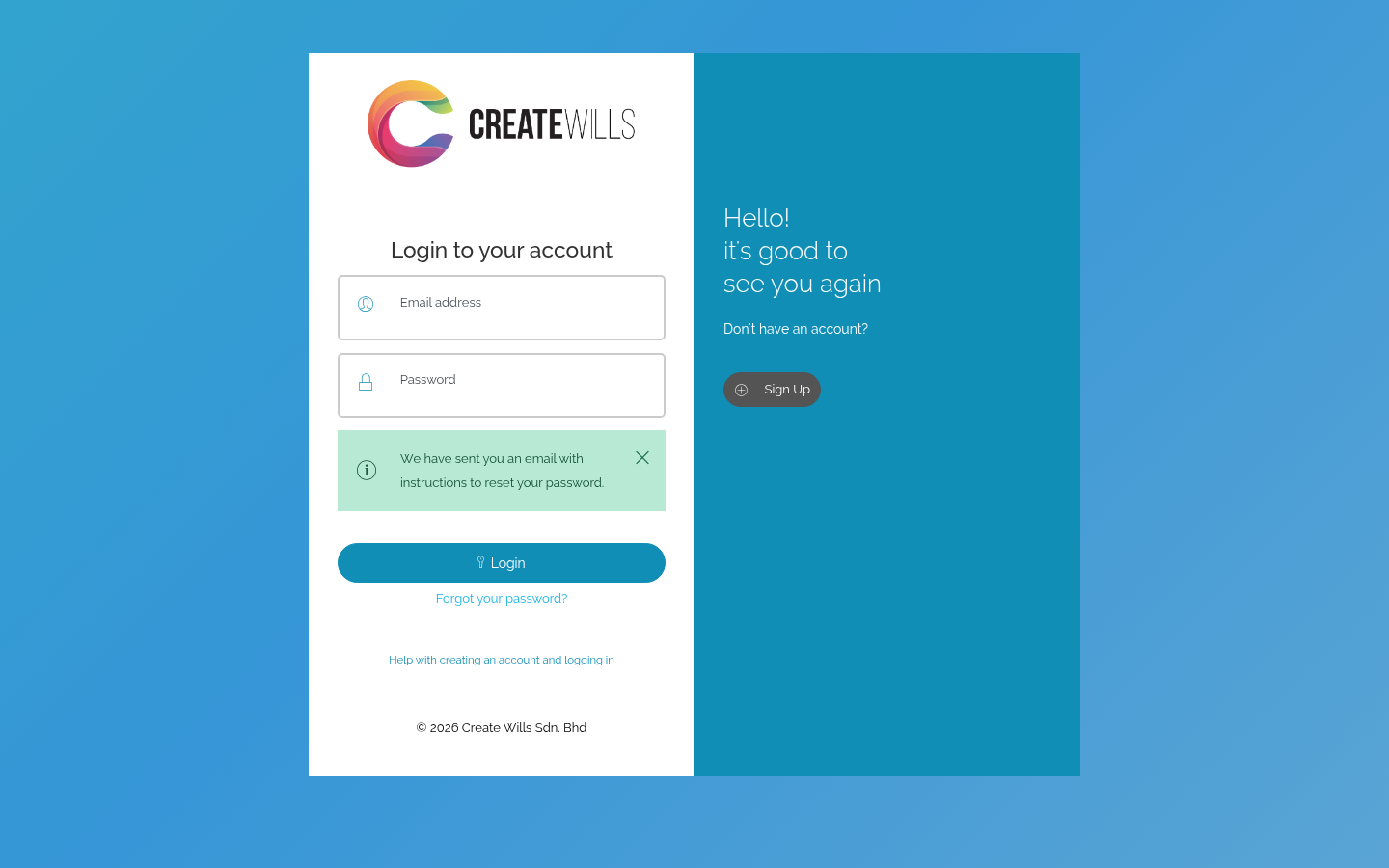
A message confirms that we have sent you an email with instructions.
2. Open the email
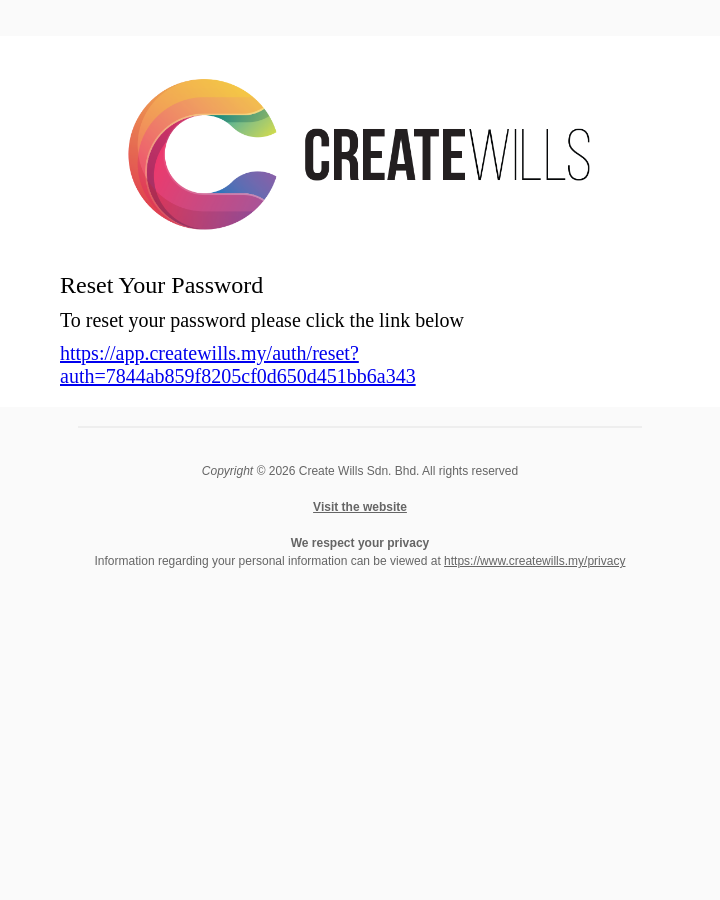
Look for an email called Reset Password, and click the link in it. If it hasn’t arrived after a few minutes, look in your spam or junk folder.
3. Choose a new password
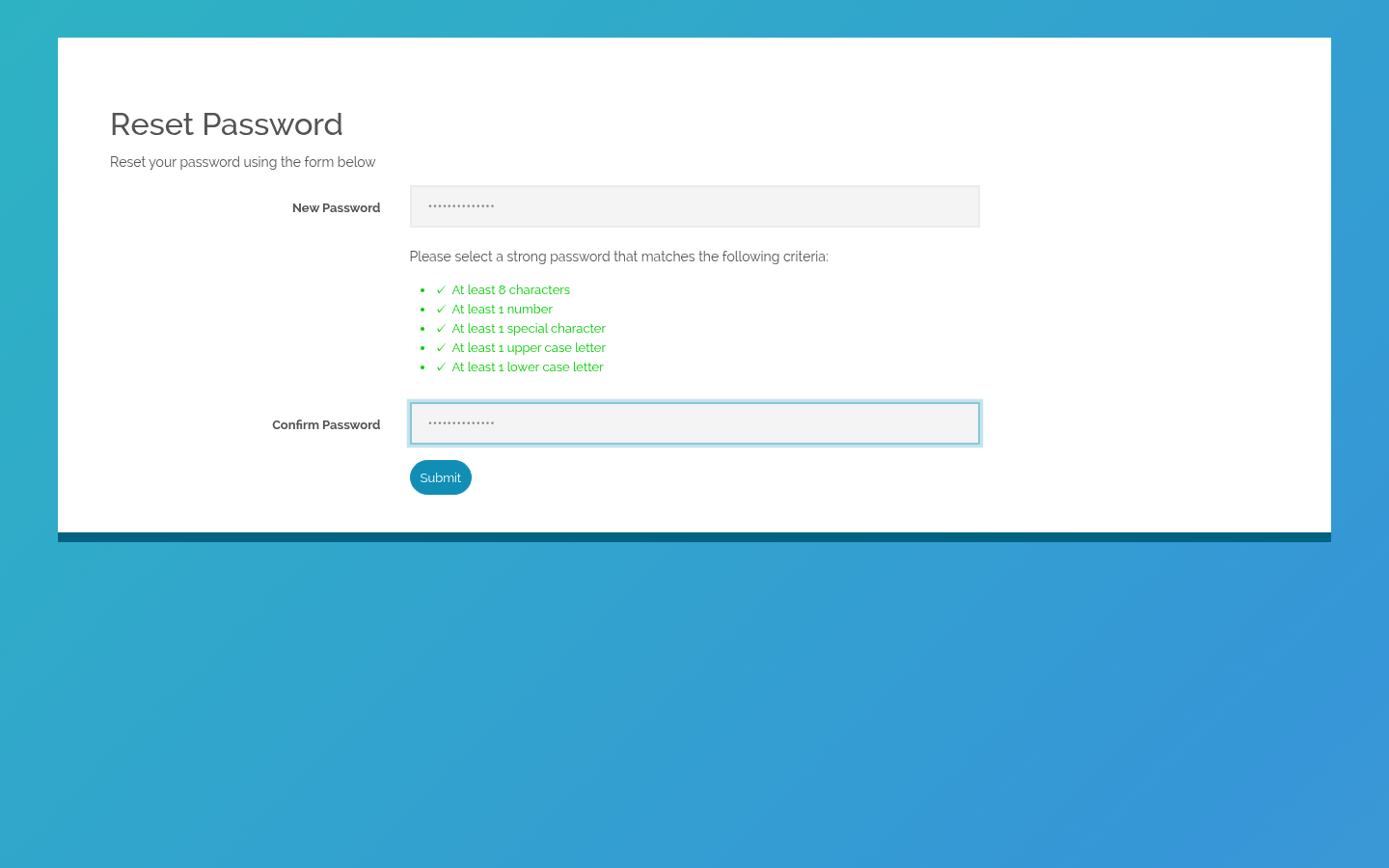
Type your new password in New Password. It must meet every rule shown under it: at least 8 characters, with a number, a special character, a capital letter and a small letter. Type it again in Confirm Password, then choose Submit.
4. Log in with your new password
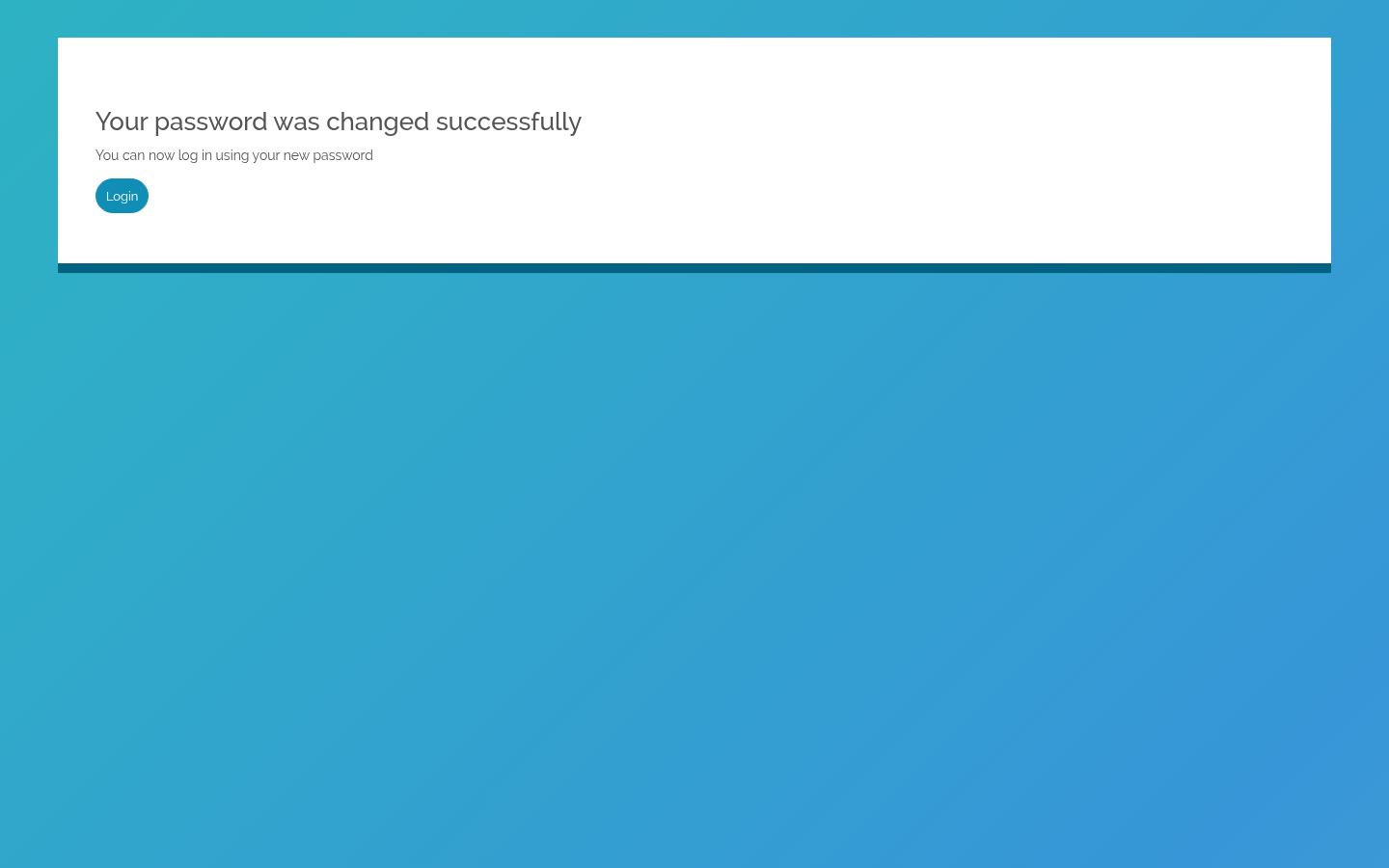
Your password is changed. Choose Login and log in with the new one.

 English
 Bahasa Melayu