
To make your Will you first create an account. It is free and takes a couple of minutes.
1. Open the Create your account page
Go to app.createwills.my/register, or choose Make a Will at the top of our website.
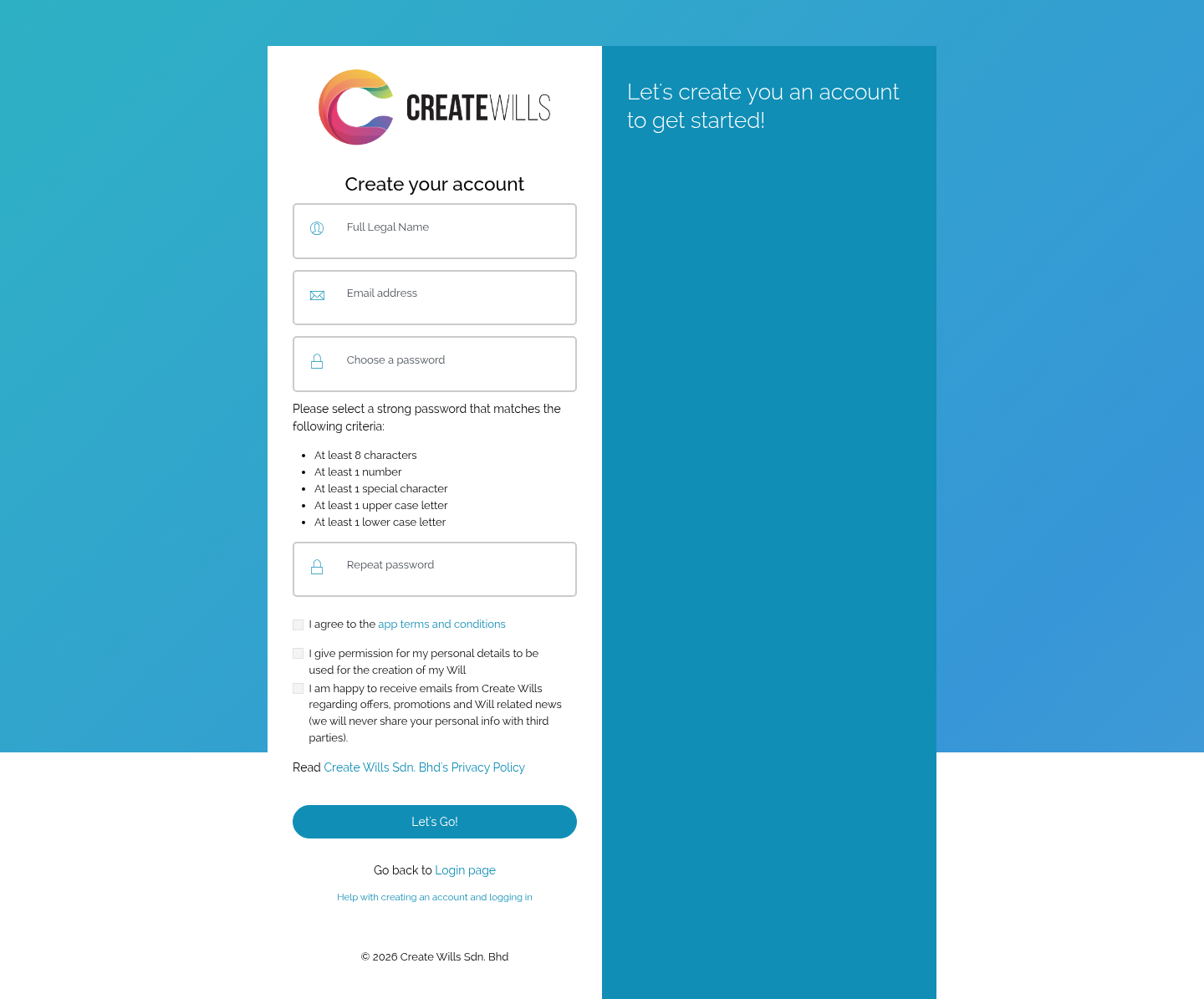
2. Fill in your details
- Full Legal Name: your name exactly as it is on your MyKad or passport. This is the name that goes in your Will.
- Email address: you log in with it, and we send everything about your Will to it.
- Choose a password and Repeat password: each rule under the password turns green with a tick once it is met. You need at least 8 characters, with a number, a special character (such as ! or #), a capital letter and a small letter.
Then tick the boxes:
- I agree to the app terms and conditions (you must tick this).
- I give permission for my personal details to be used for the creation of my Will (you must tick this).
- I am happy to receive emails from Create Wills… about offers and news (your choice).
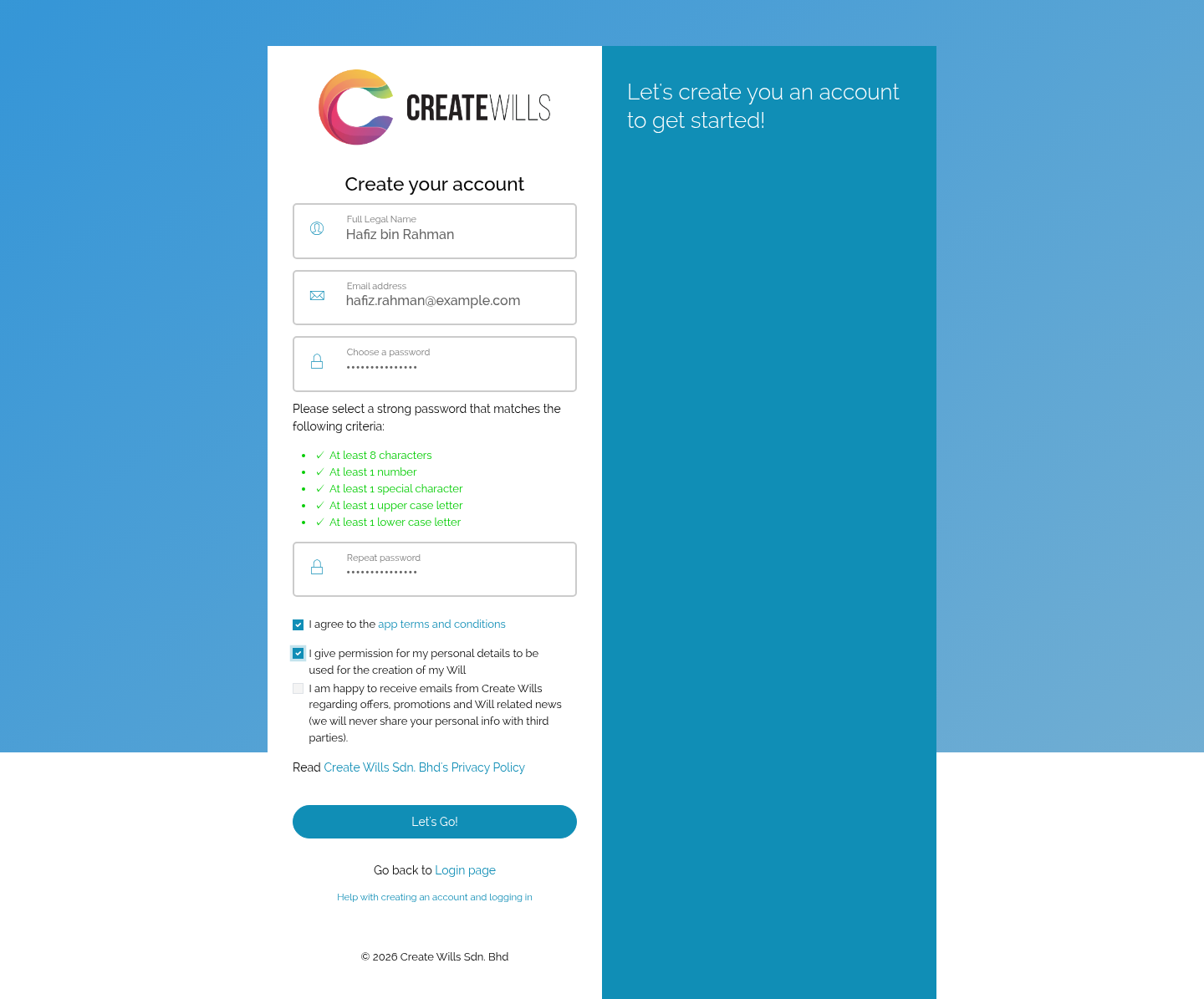
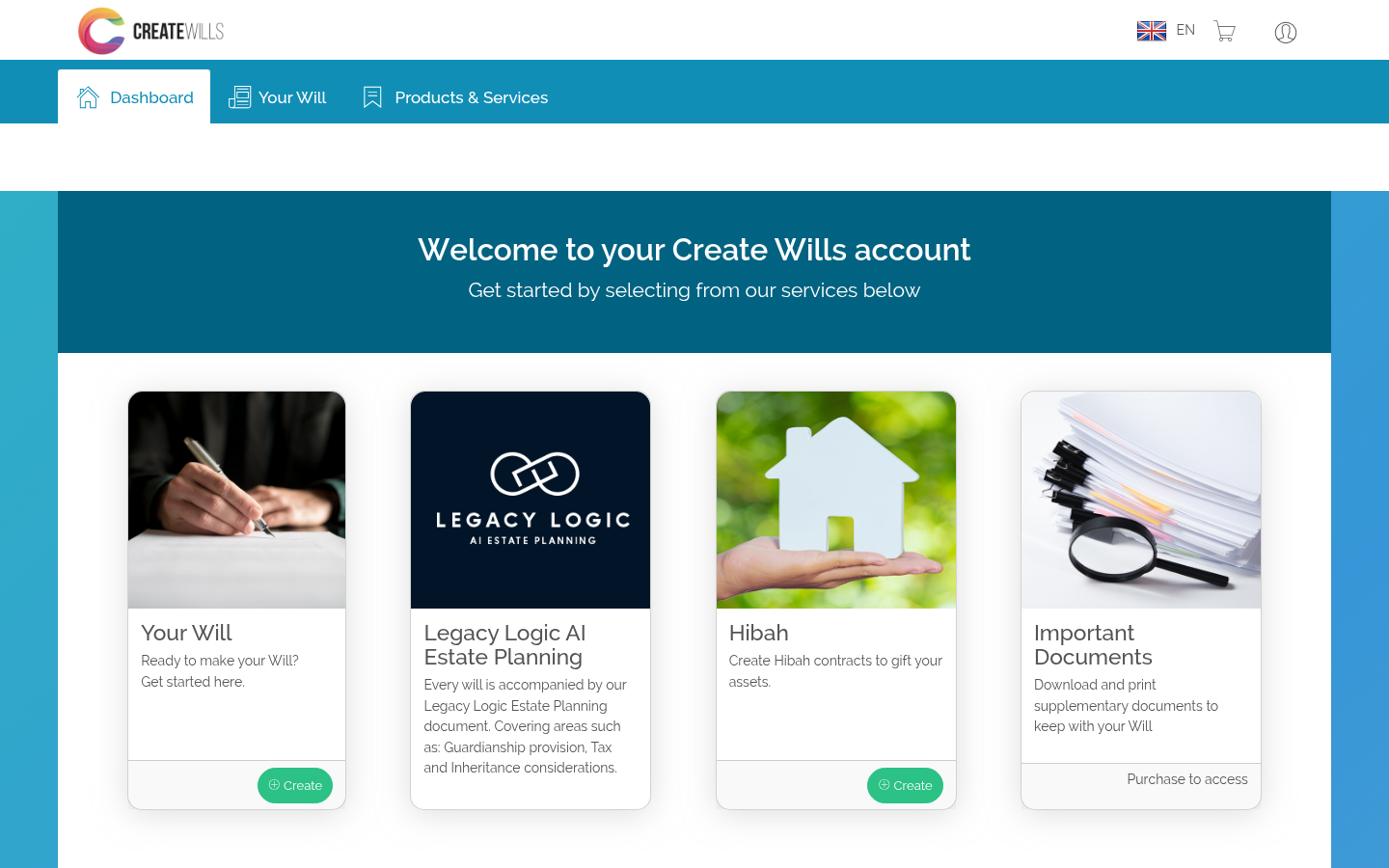
3. Choose Let’s Go!
Your account is created and you are logged in straight away, on your dashboard. To start your Will, choose Create under Your Will.
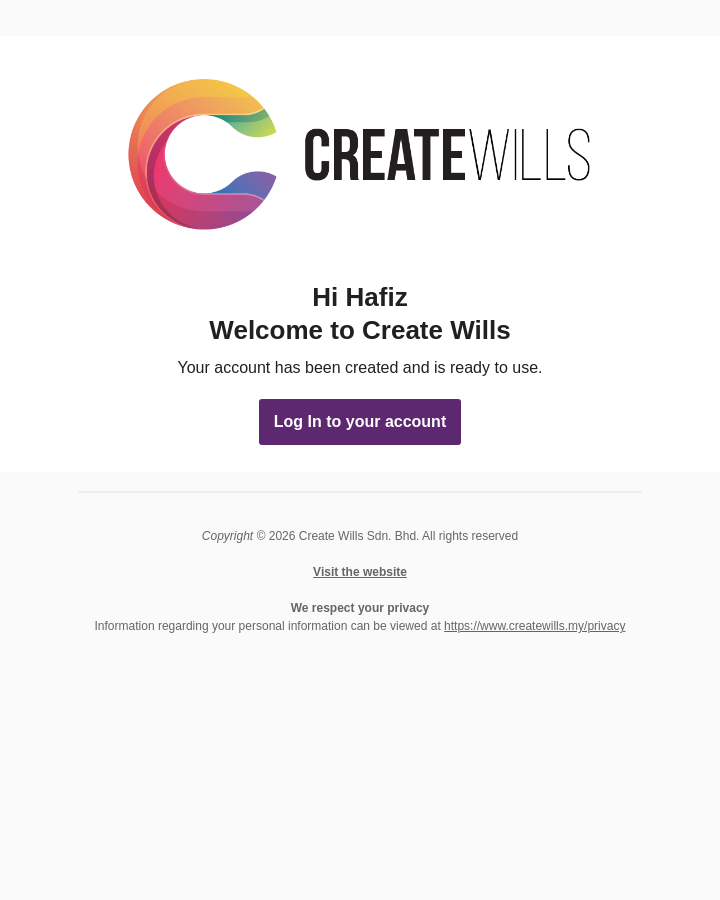
The welcome email
We also send a welcome email to the address you gave. There is nothing you need to do with it. Its Log In to your account button takes you to the log in page whenever you want to come back.
No email after a few minutes? Look in your spam or junk folder.

 English
 Bahasa Melayu