
1. Open the log in page
Go to app.createwills.my/login, or choose LOG MASUK at the top of our website.
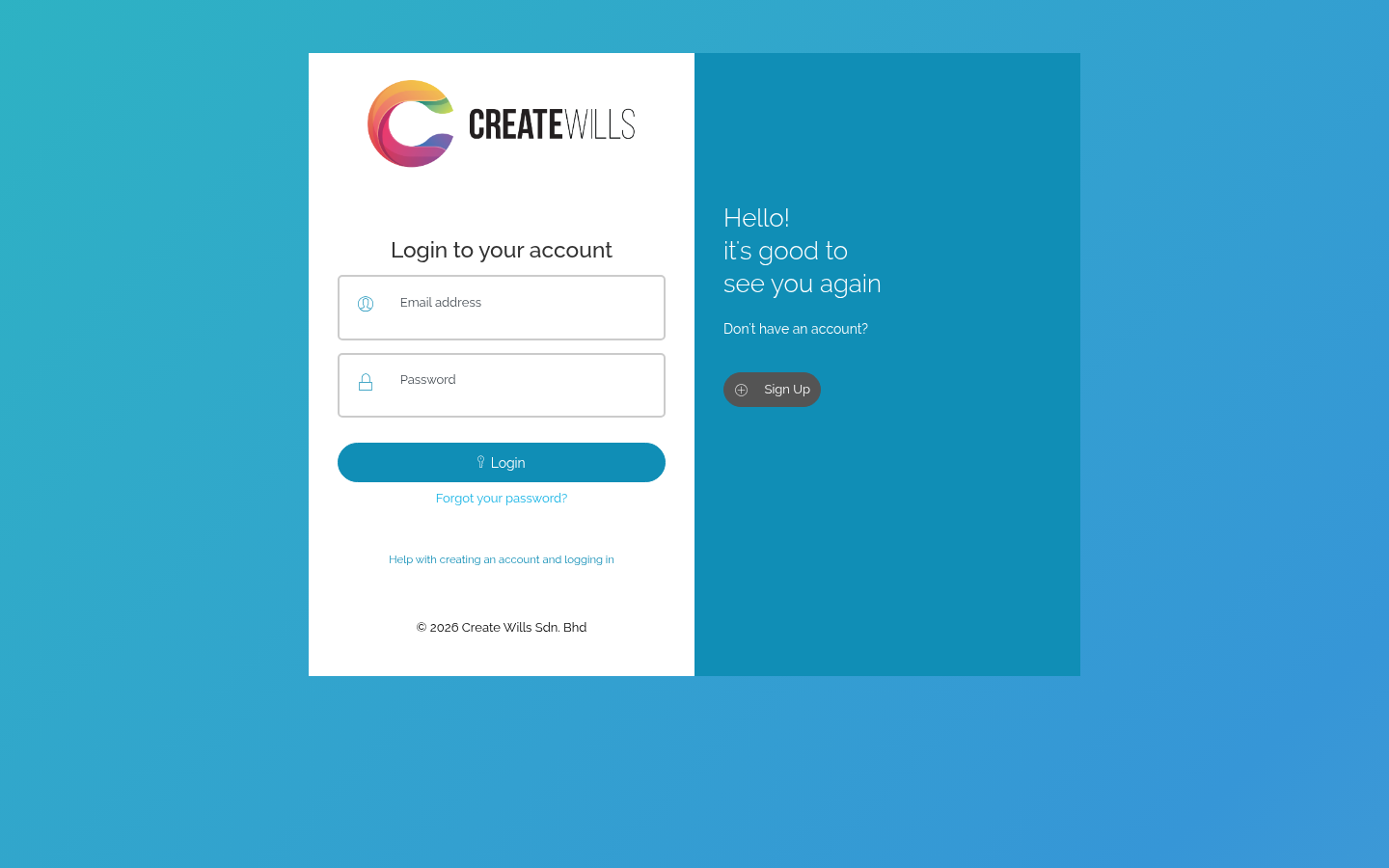
2. Enter your email address and password
Use the email address you created your account with, then choose Login.
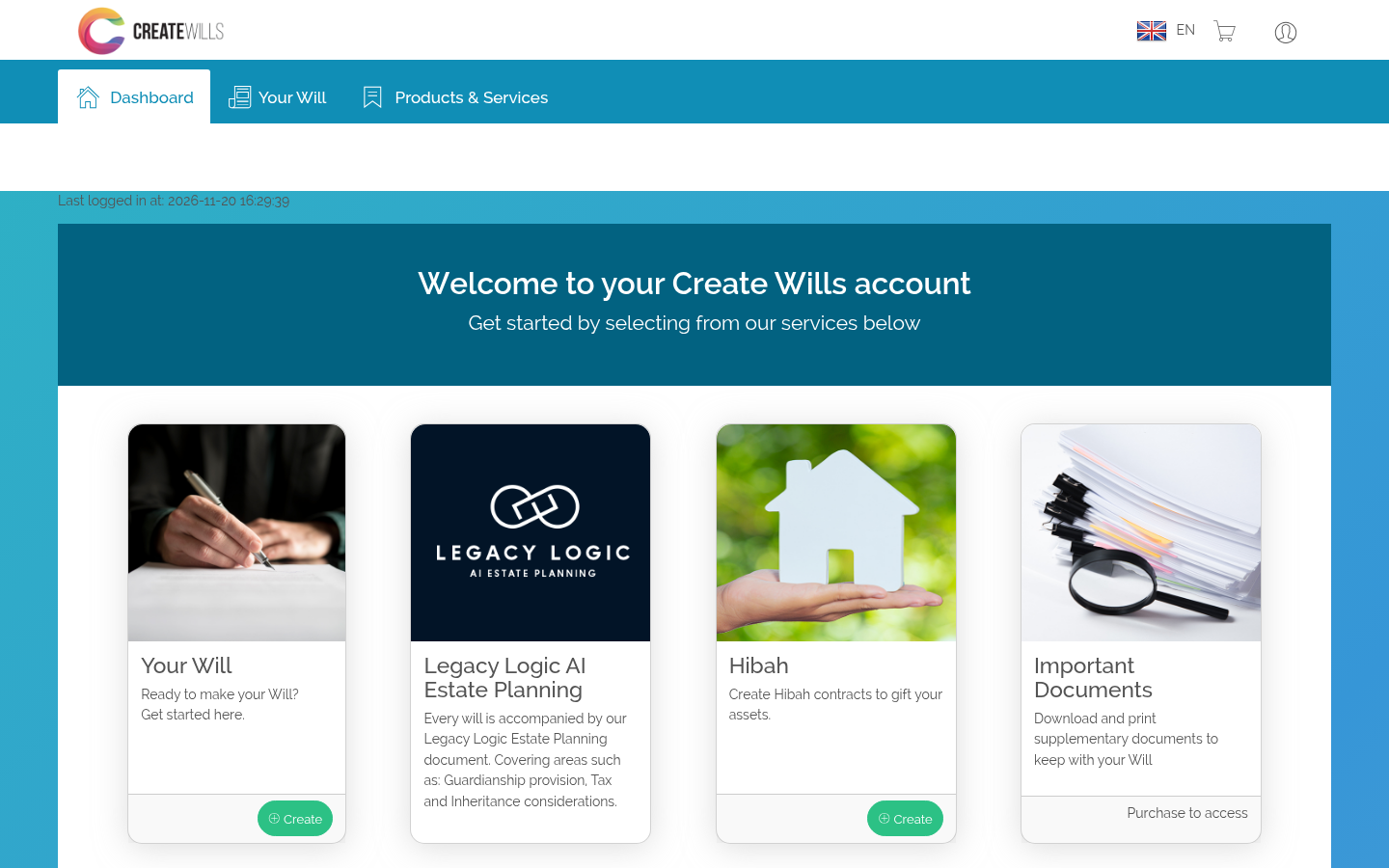
3. Your dashboard
You arrive on your dashboard. From here you can carry on with your Will, create a Hibah, and download your documents once you have bought them.
If you can’t log in
- Check the email address for typing mistakes. It must be the one you created your account with.
- Passwords are case-sensitive: check Caps Lock is off.
- Forgotten it? Choose Forgot your password? under the Login button. See Forgotten your password.
- No account yet? Choose Sign Up. See Create your account.

 Bahasa Melayu
 English