
Voucher codes
If you were given a voucher code, for example by your employer or one of our agents:
- In Your Will, choose Redeem Voucher at the top right.
- Type your code. Codes are 8 letters and numbers.
- Choose Redeem Voucher. The button appears once all 8 characters are in.
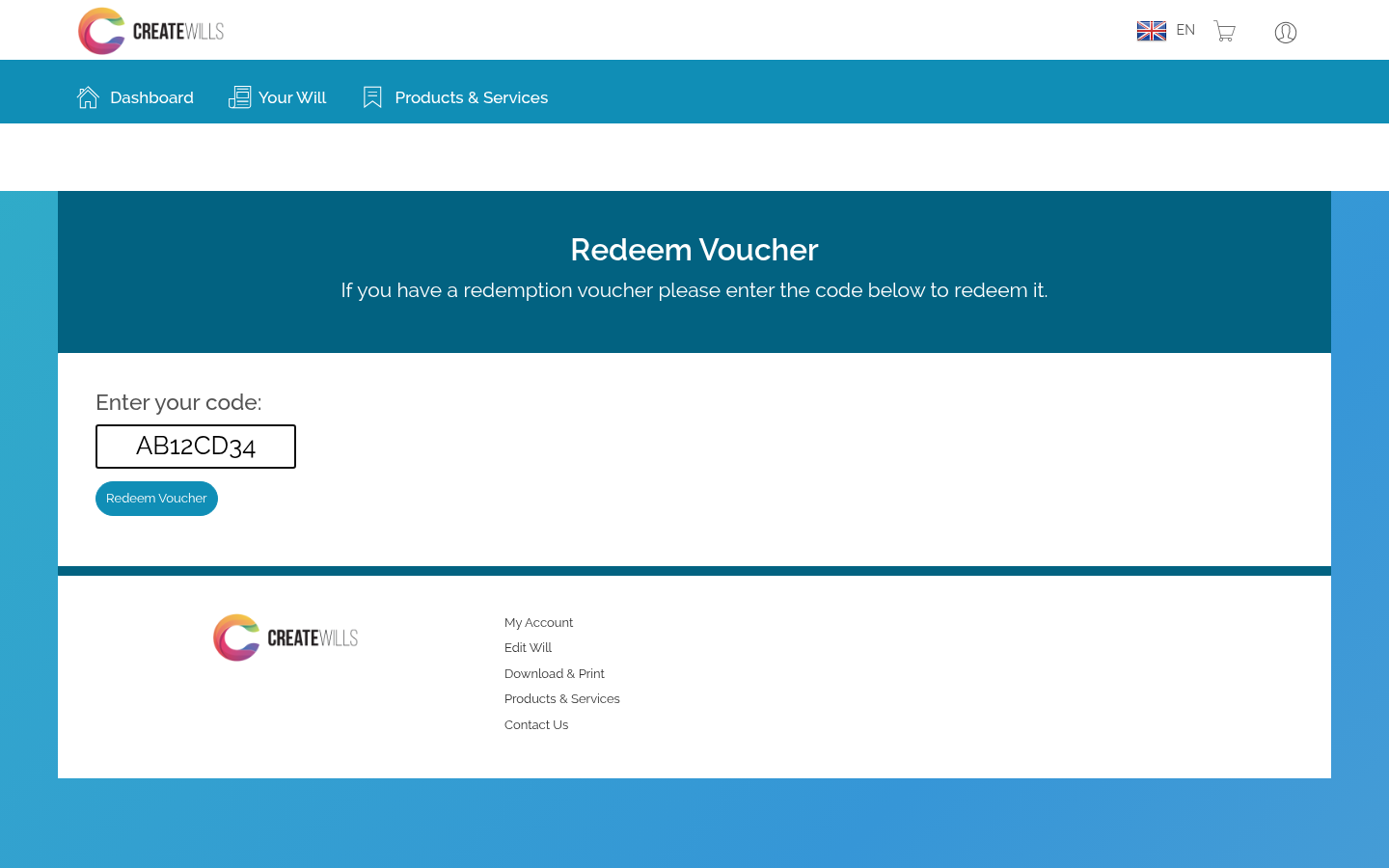
If you see Max redemption code attempts reached, contact us and we will help.
Promotional codes
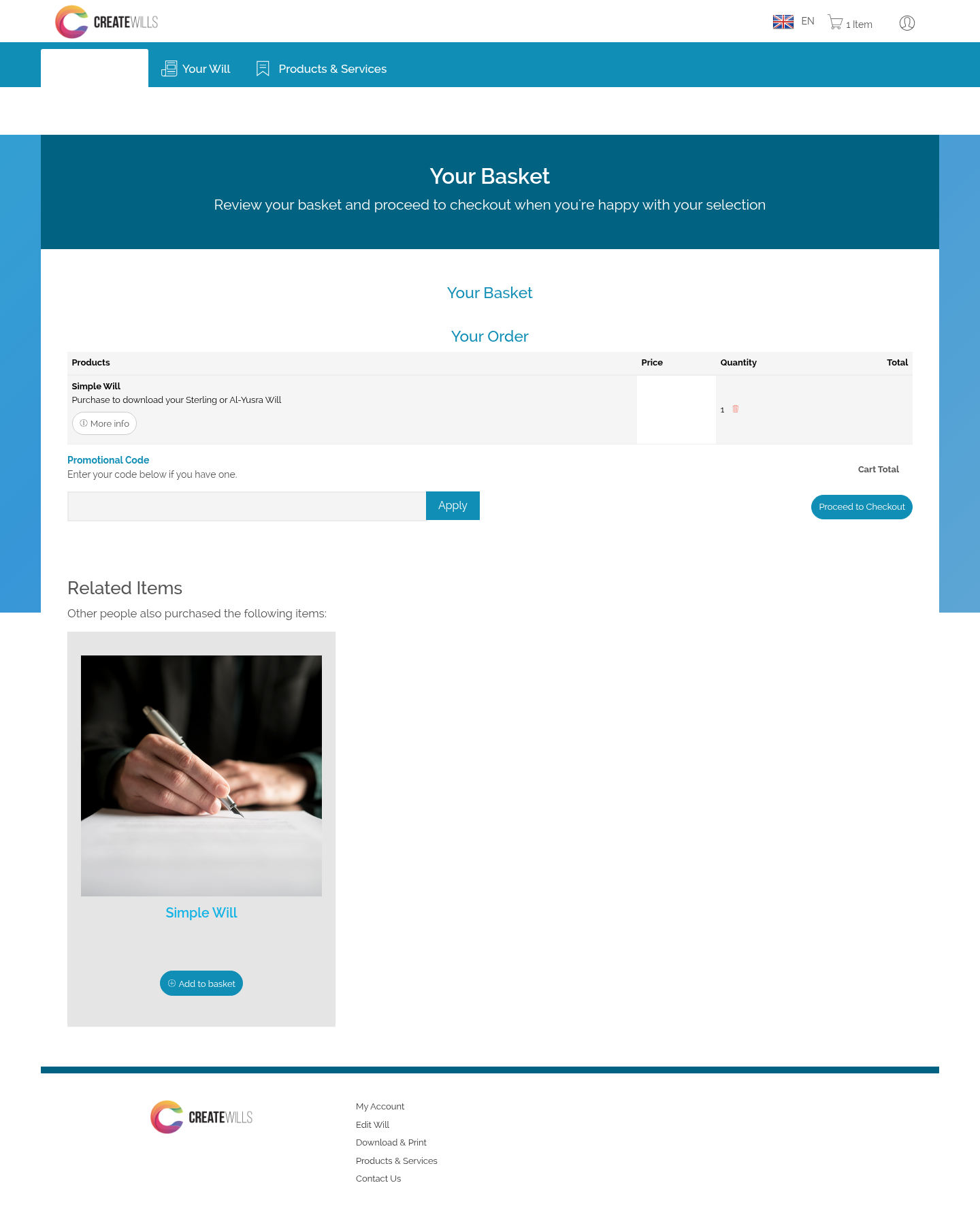
- Add your Will to your basket from Products & Services.
- In your basket, type the code in the Promotional Code box and choose Apply.
- The code shows in your order. To take it off, choose Remove next to it.

 Bahasa Melayu
 English